
If your business is about to rebuild its website, check who owns your Search Console property and how it's verified before anything else moves.
Search Console is the one place Google tells you directly how it sees your site, and a migration is when you need it most. Losing access halfway through is easy to avoid, as long as somebody checks before the work starts.
Three Search Console checks before a website migration
Before the new sitemap is signed off, get answers to these:
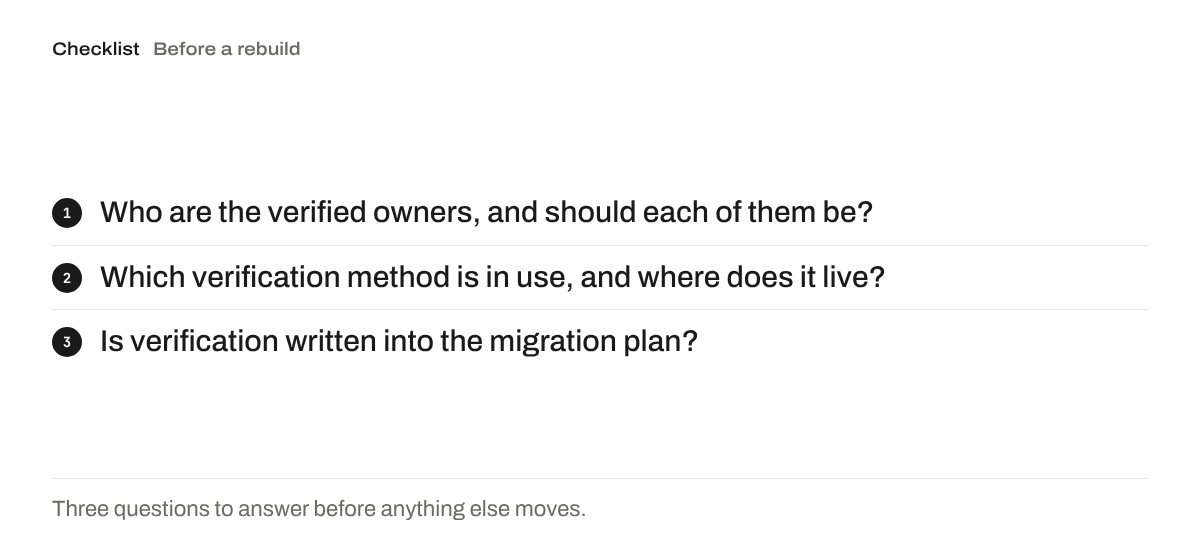
- Who are the verified owners, and should each of them be?
- Which verification method is in use, and where does it live on the site?
- Is verification written into the migration plan, so it moves with the site?
If the answer to the third is no, add it. It's a line in the spec and a quick look on launch day.
How Search Console verification broke on one site
I ran into a version of this on an education client's site this summer. The method used to verify Search Console stopped working. It relied on a code snippet that Google expects straight after the opening head tag, and the site's SEO plugin was putting it much further down the head. There was no setting to move it.
What fixed it was a verification meta tag added through a script field in the same plugin. It works, but it only renders while a tracking setting in that plugin stays switched on, and nothing in the CMS tells you the two are linked. If someone turns that setting off for an unrelated reason, verification quietly goes with it.
That's fragile enough on a site that's staying put. In a rebuild, a new theme, plugin or CMS won't carry the tag across unless someone writes it into the migration spec.
Check who the Search Console owners are
Owners can manage the other users and owners on a property, which is the right level of access for whoever is responsible for the site. Owner lists build up over the years, though, so it's worth reading through yours rather than assuming you know who's on it.
A rebuild usually brings new people into the account, so it's a good moment to agree who needs owner rights and who only needs user access.
Better still, use a domain property with DNS verification
A domain property is a Search Console property verified with a DNS record, so it covers every version of the site and doesn't depend on anything in the site's code. That means with and without www, http and https, and any subdomains. You can rebuild the site, change CMS or move hosting, and verification stays put as long as the DNS record stays in place.
The catch is that DNS often sits with someone else, such as an IT team or whoever registered the domain years ago. Track that person down early, because you can't set up a domain property without them.
What Search Console shows you after launch
The weeks after a relaunch are when Search Console earns its keep. It shows which old URLs are returning errors, whether the new sitemap has been read, and which pages Google has dropped or picked up. That's how missing redirects get caught in days rather than months.
If access breaks at the same moment, you tend to find out about the missing redirects when the traffic's already gone.
Checking the owners and the verification method takes five minutes. It's one of the items on my website migration checklist. If you've got a rebuild coming up and want someone looking after the search side of it, that's what my website migration SEO covers. Agencies rebuilding a client's site can bring me in white-label for the same job.